
Agent guide
Works todayHow to enable Claude Duet to make phone calls
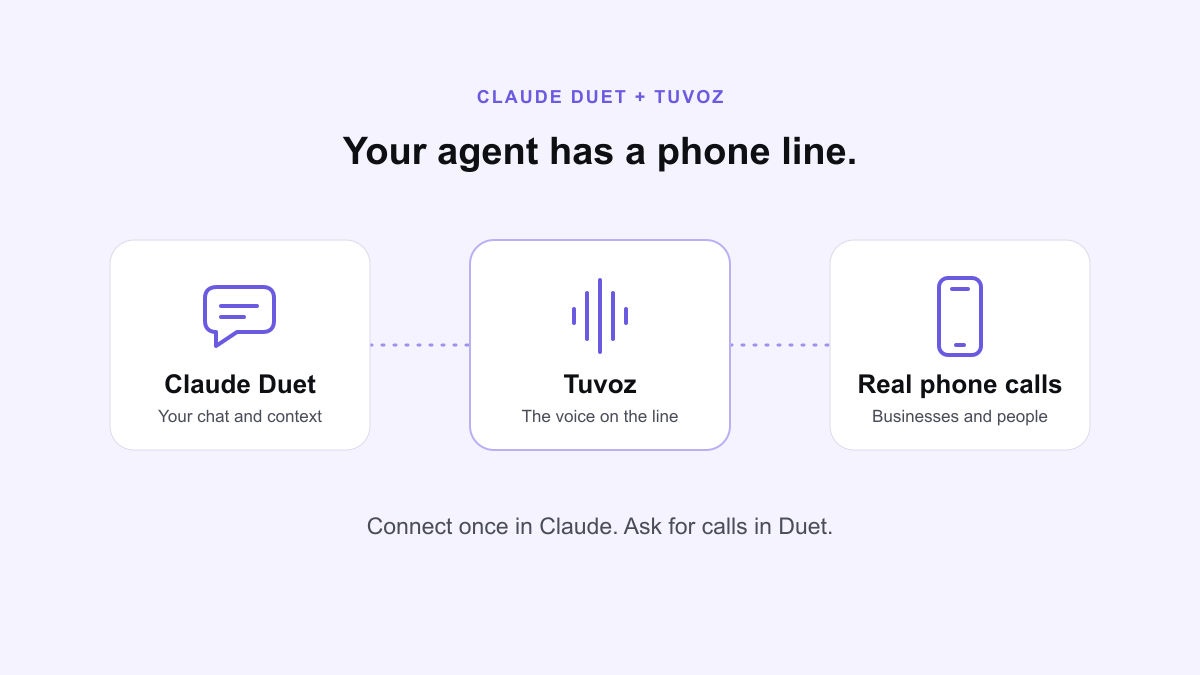
Give Claude Duet a real phone line with Tuvoz. Connect the Tuvoz plugin in Claude, then use the same skills and connected apps in Duet to place and follow calls.
Install
Paste this into Claude Duet:
Set up Tuvoz: https://tuvoz.io/agentsClaude Duet carries over your Claude skills and connected apps, as Anthropic explains. Tuvoz uses that shared connection to give Duet a phone line.
Step by step
Already connected Tuvoz in Claude? Go straight to step 3.
- Download the plugin from tuvoz.io/plugin/latest. Keep the zip as it is.
- Connect it in Claude. On claude.ai in a browser or in the Claude desktop app, open Settings, then Customize, then Plugins, and upload the zip. Open Tuvoz’s Connectors tab, click Connect, sign in with Google and approve. If you’re new to Tuvoz, finish the phone and name checks there too. The Claude setup guide covers these steps.
- Open Duet with the same Claude account. Your Claude skills and connected apps carry over. If the Tuvoz tools aren’t available, return to Claude to finish connecting the plugin, then start a new Duet chat.
- Ask for a test call to your own phone. Then ask Duet for a real call, using the examples below.
Duet is an Anthropic research preview; you need access before following these steps.
During a call
Duet follows the Tuvoz skill: it shows you the brief, number and opening line, and waits for your yes before dialing. It uses the connector’s tools to follow the call and answer questions from your chat. When it needs something only you know, or the chat stops checking in, Tuvoz phones you. You can also follow the call in your Tuvoz dashboard (how the backchannel works).
Your first test call
Ask Claude Duet for a test call, in your own words or with this. Tuvoz calls your own phone; the first time, it asks you to press 1 to confirm you agree to AI calls on that number, unless your Tuvoz assistant called you to verify it.
Make a Tuvoz test call to my phone.Example prompts
- Set up Tuvoz.
- Make a Tuvoz test call to my phone.
- Call Luigi's Trattoria at (415) 555-0142 and ask if they have a table for 4 tonight at 7.
- Call the store at (312) 555-0177 about the order confirmation I shared and ask when it will ship.
Limits and caveats
- You need access to Anthropic's Claude Duet research preview. Availability is controlled by Anthropic.
- Use the same Claude account in Duet and where you connected Tuvoz. If Tuvoz is already connected, you don't need another installation or sign-in.
- If Tuvoz isn't connected yet, install the plugin from claude.ai in a browser or the Claude desktop app, then return to Duet.
- Keep the chat active during a call so Duet can check for questions. If it stops checking, Tuvoz phones you when it needs an answer.
FAQ
- Do I need a separate Tuvoz account for Duet?
- No. Duet uses your existing Claude skills and connected apps. Use the same Claude account where you connected the Tuvoz plugin.
- Where do I connect Tuvoz for the first time?
- Upload the Tuvoz plugin on claude.ai or in the Claude desktop app, then open its Connectors tab, click Connect, sign in with Google and approve. Return to Duet with the same Claude account.
- Can Duet answer questions during a call?
- With the Tuvoz tools available, Duet can check the call and answer from your chat. If it can't answer or stops checking in, Tuvoz calls your verified phone to ask you.
- Is there a different call price for Duet?
- No. Duet uses the same Tuvoz balance and phone-call pricing as the other supported clients. Your Claude subscription is separate.